★軟體報價:請「填寫資料」或聯絡 LINE 客服:@azotaiwan
★蝦皮賣場:https://s.shopee.tw/9zvhVnQIXR
★購買連結:https://azotaiwan.cashier.ecpay.com.tw/product/000000000680209
下載連結→ https://www.azofreeware.com/p/visual-subst.html
官方網站:NTWind Software
軟體性質:共享軟體
試用限制:功能限制
介面語言:英文
系統需求:Windows
關鍵字:VisualSubst
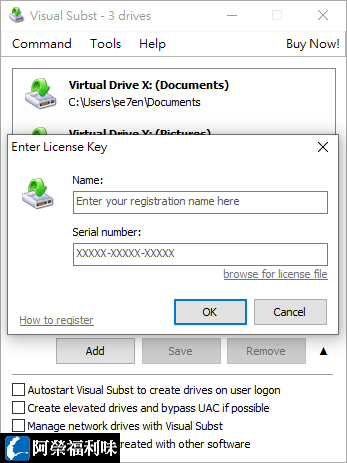
Visual Subst allows you to create virtual drives for your most accessed local directories and network shares. It solves 3 main issues with the built-in 'SUBST' and ‘NET USE’ commands: it creates drives for elevated applications without any UAC prompts, adds editable drive labels and restores drives after reboots. Visual Subst is the best alternative to writing complicated scripts and editing registry manually.